
Address
Studio 03
SUM Studios
1 Hartley Street
Sheffield
S2 3AQ
[email protected]
0114 399 1023
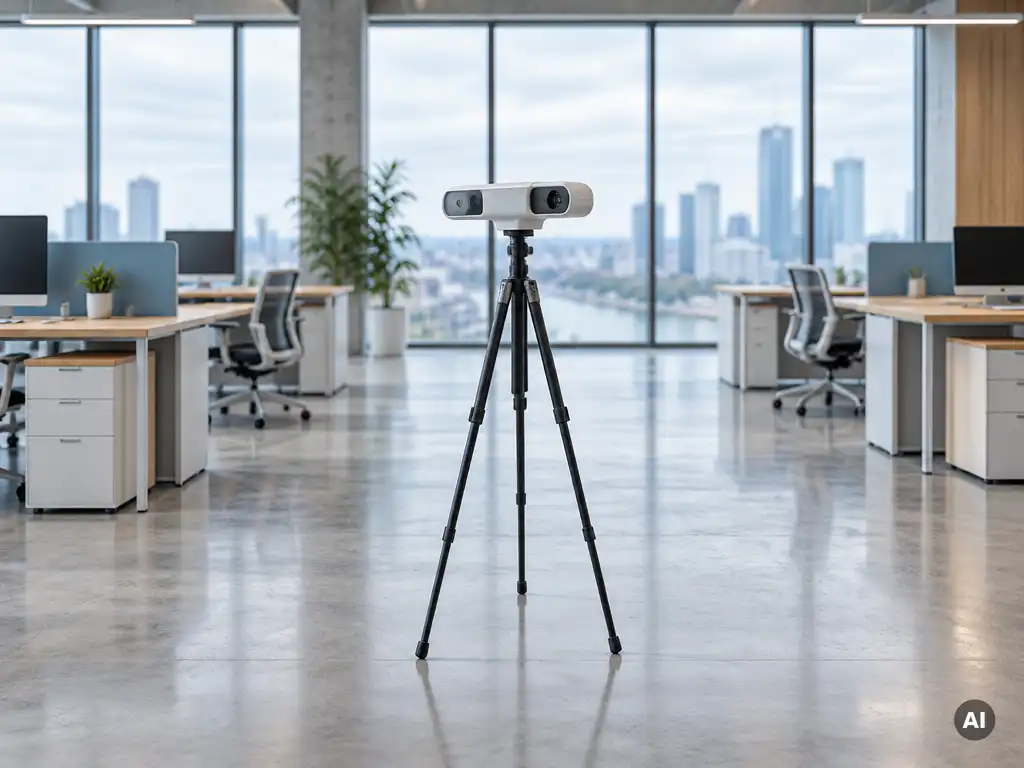
Yes, virtual tours are useful for marketing office space. They let prospective tenants and buyers explore a floor plate, meeting rooms and amenities remotely, which helps agents qualify interest earlier and reduces wasted viewings. A well-captured 3D virtual tour works best alongside photography and floor plans rather than replacing them.
Office decisions often involve several people across different locations, so a shareable tour keeps everyone looking at the same space. The sections below cover how tours change enquiries, what to include, how they differ from 360 photos, what they cost, where to use them and how to measure results.
Virtual tours change office enquiries by letting decision makers assess layout, scale and condition before contacting an agent. Enquiries tend to become more informed, and the people who book a viewing have usually already ruled the space in, rather than browsing out of curiosity.
Commercial lettings rarely hinge on one person. A facilities manager, finance director and head of people may all need to form a view. A tour link can be forwarded in seconds, so each person can walk the space on their own schedule.
This matters most for:
Industry experience suggests the biggest benefit is filtering. Fewer unsuitable viewings means more agent time spent on serious prospects.
An office virtual tour should show every area a tenant will use or pay for: reception, open plan floors, meeting rooms, kitchens, break areas, storage, toilets, plant or comms rooms and any shared amenities. Cover the full building flow, from arrival to the furthest workspace.
Capture the space in the condition you are marketing it. Clear desks and cabling, open blinds and switched-on lighting make a measurable difference to how the tour feels.
Follow this sequence when planning a capture:
Do not forget the practical details. Occupiers want to judge ceiling heights, window positions, column spacing and circulation routes, which a navigable tour conveys far better than a handful of still images.
The key difference is navigation. A 3D virtual tour lets viewers move through connected spaces and gain a sense of the full layout, while a 360 photo shows a single fixed viewpoint that the viewer can only rotate. Both are useful, but they serve different purposes.
3D scanned tours typically build a connected model of the whole building, so a viewer can move from reception to a meeting room as if walking the route. Many also provide a dollhouse-style overview of the floor plan, which helps prospects grasp how areas relate to each other.
A 360 office tour built from individual panoramas is simpler and often quicker to produce. It suits a single showpiece space, such as a reception or a fitted-out suite, where the surrounding layout matters less.
Choose a 3D tour when layout, flow and scale are selling points. Choose standalone 360 images when you want to highlight one or two key spaces or add visuals to a listing quickly. Many agents combine both, using a full tour as the main asset and 360 or 4K stills for brochures and social posts.
Office virtual tour cost depends mainly on floor area, number of rooms, site access and the type of capture. Larger and more complex buildings take longer to scan, so price rises with size. Always request a quote based on your actual floor area rather than relying on a generic figure.
The main cost drivers are:
Judge the cost against the carrying cost of vacant space and the time spent on unqualified viewings. Providers who publish clear pricing make comparison easier, and a quote should state what is included, including how long the tour stays live and in which formats it can be shared.
Use an office virtual tour everywhere prospects look at your space: the listing page, property portals, your agency website, email campaigns, social posts and proposals sent directly to occupiers. The more places the link appears, the more value you get from a single capture.
A tour embedded on the listing page keeps visitors on the property longer than static images. Placed in an email to a shortlist, it gives busy decision makers an immediate way to engage. For letting agents, adding the link to every brochure and pitch deck turns a standard marketing pack into something interactive.
Other effective placements include:
The same approach works across sectors. Our guide to virtual tours of houses shows how tours are used in residential property, and many of the same principles carry over to commercial marketing.
Measure virtual tour results by tracking how many people open the tour, how long they stay, how enquiries compare with listings that have no tour, and how many tour viewers go on to book a viewing. Compare against your own earlier listings rather than industry averages.
Start with a simple baseline before launch, then review monthly. Useful indicators include:
Do not judge success on views alone. A tour that attracts fewer but better qualified enquiries is doing its job. Ask enquirers how they found the property and whether the tour influenced their interest, and record the answers to build your own evidence over time.
Scene3D scans offices and commercial buildings across the UK and turns the capture into immersive 3D virtual tours, supported by 360° photography and 4K imagery. Our work with commercial clients means we understand what agents and landlords need to present space clearly.
Here is what you can expect:
You can see examples of our past projects in our portfolio. If you have an office to market, contact our team for a quote tailored to your space.