
Address
Studio 03
SUM Studios
1 Hartley Street
Sheffield
S2 3AQ
[email protected]
0114 399 1023
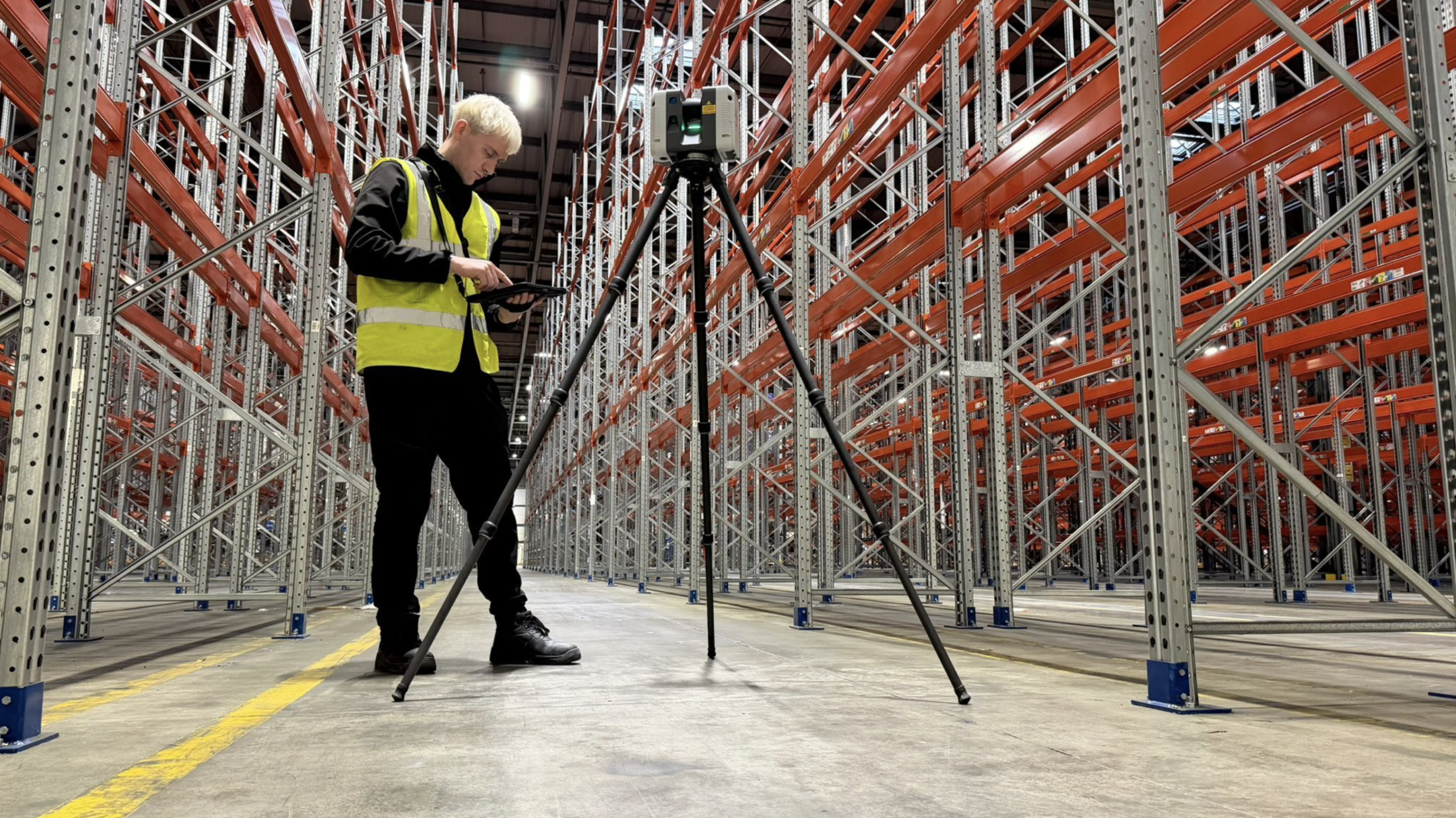
When clients request a measured building survey, one of the first questions they ask is: What exactly will I receive at the end of the project?
The answer matters because the survey itself is only part of the process. The real value comes from the deliverables produced from the captured data. Choosing the right output can save time, reduce design risk and make collaboration much easier across the life of a project.
At Scene3D, we regularly help architects, project managers, BIM teams and estate teams decide which survey deliverables are most useful for their specific goals. Some projects only need accurate 2D drawings. Others require a detailed Revit model for design coordination or facilities management.
In this guide, we explain the most common measured survey deliverables in plain English, including point clouds, CAD drawings, and Revit models, and when each makes sense.
A measured survey deliverable is the final output produced from on-site survey data.
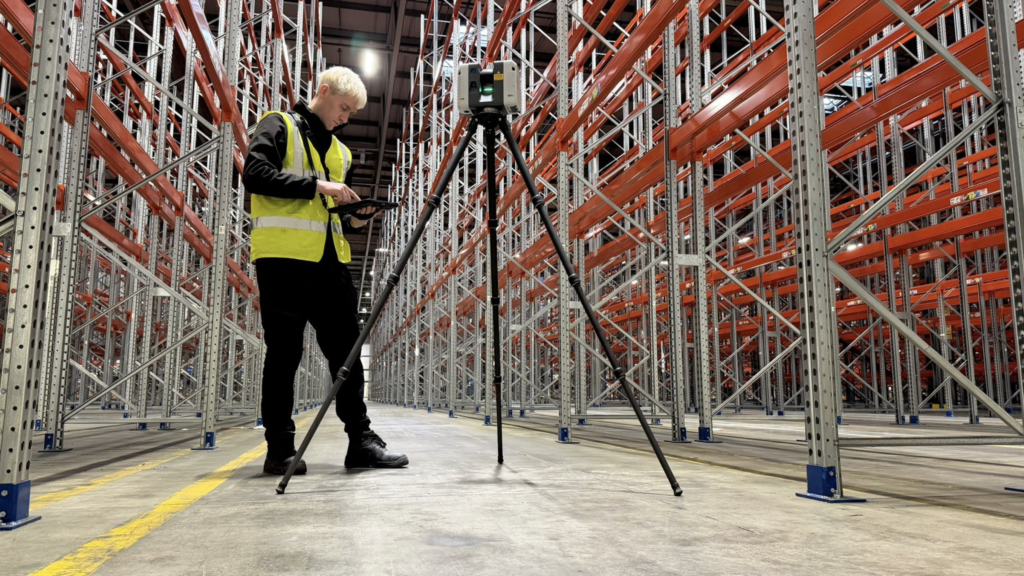
Modern measured surveys are usually carried out using laser scanners that capture millions of accurate spatial measurements. These scans record the geometry of a building or site in extremely great detail.
However, the raw scan data is not always the format that project teams need to work with. That is why survey data is processed into different outputs depending on the project requirements.
Typical measured building survey outputs include:
The right deliverable depends on who will use the information and what stage the project is at.
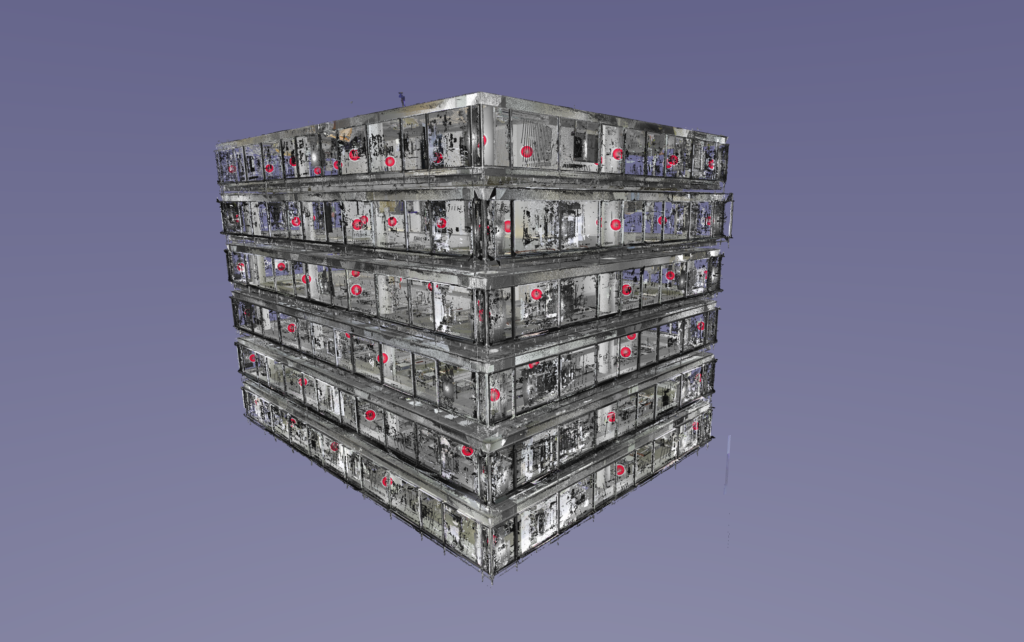
Point clouds are the most direct output from a laser scan survey.
A point cloud is a dense collection of millions, or sometimes billions, of measured points in 3D space. Together, these points create a highly accurate digital representation of the building or site.
Point clouds often look like a detailed 3D photograph that you can navigate around on screen. Each point contains spatial coordinates and sometimes colour information captured during the survey.
Common point cloud formats include:
These files are typically viewed in software such as Autodesk ReCap, Navisworks or CloudCompare.
Point cloud deliverables are ideal when:
For example, a structural engineer working on a heritage refurbishment may prefer direct access to the point cloud to inspect irregular walls and structural movement themselves.
Point clouds are also valuable because they preserve a digital record of the site at the time of survey. If additional measurements are needed later, teams can often return to the scan data without having to revisit the building.
That said, point clouds are not always suitable for less technical stakeholders. The files can be large, software-heavy and difficult to interpret without experience.
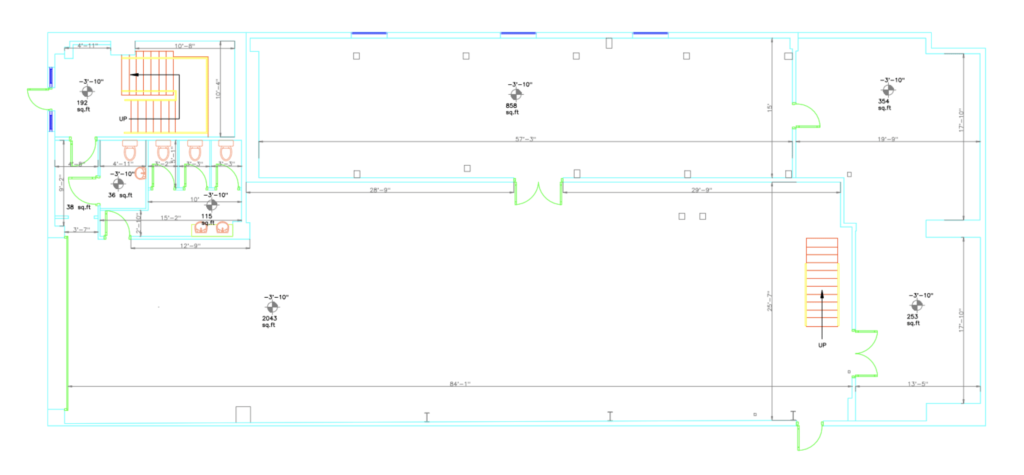
2D CAD drawings remain one of the most widely requested measured survey deliverables.
These drawings convert the scan data into clear technical information that architects, engineers and contractors can easily use during planning and design.
Typical CAD survey drawings include:
Files are usually delivered in DWG format for AutoCAD compatibility, alongside PDFs for easy sharing and review.
CAD drawings are often the best balance between usability, detail and cost.
They are especially useful for:
For example, an architect redesigning an office floor may only require accurate floor plans and sections rather than a full BIM model.
Compared to point clouds, CAD drawings are easier to read and distribute across project teams. They also reduce the amount of processing work designers need to do later in the project.
The level of detail can vary depending on project requirements.
A basic floor plan may show:
A more detailed survey may also include:
This is why defining survey scope early is important. Not every project needs every detail captured or drawn.
Revit models take measured survey data a step further by creating an intelligent 3D building model rather than static drawings.
This process is commonly referred to as Scan to Revit.
Instead of simply drawing geometry, surveyors create BIM elements such as walls, floors, doors and roofs that contain embedded information and relationships.
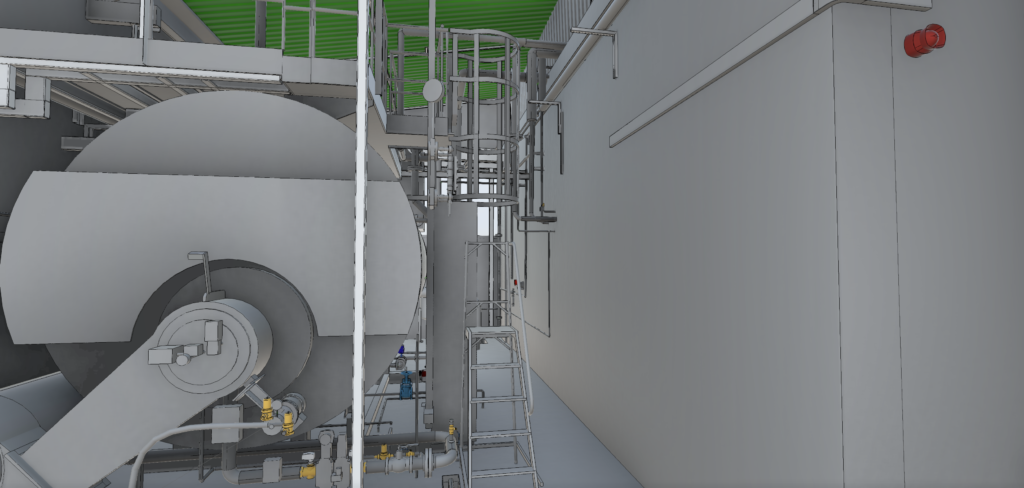
A Revit model is more than a 3D visualisation.
Because building elements are intelligent objects, teams can:
For complex projects involving multiple consultants, this can significantly improve coordination and reduce errors during design and construction.
Revit model deliverables are typically worthwhile when:
For example, a hospital redevelopment project may require a coordinated BIM model because architects, MEP engineers and contractors all need to work from shared information.
However, not every project needs a full Revit model. Producing BIM models takes more processing time and therefore costs more than basic CAD outputs.
For smaller refurbishments or early feasibility studies, 2D drawings may be entirely sufficient.
One of the most common mistakes in the procurement of measured surveys is requesting deliverables without considering who will actually use them.
The best deliverable is not necessarily the most advanced one. It is the one that best supports the project’s next stage.
At the concept stage, teams often need:
In many cases, CAD drawings are enough at this stage.
As projects develop, more detailed information becomes necessary.
This may include:
BIM deliverables become more valuable when multiple consultants are collaborating.
Operational teams may require:
In these cases, the Revit model becomes part of the building’s long-term digital information strategy.
Choosing the wrong deliverable can create delays, unnecessary cost and duplicated work.
Here are some of the most common issues we see.
Some projects request BIM deliverables simply because they sound more advanced.
But if the project only requires planning drawings, a Revit model may add cost without adding meaningful value.
Survey details should match project objectives.
Over-surveying increases cost and processing time. Under-surveying can leave teams missing important information later.
Not every consultant works in the same software environment.
Before commissioning deliverables, check what formats your design team can actually use.
Survey data often becomes useful beyond the immediate project.
A reusable point cloud or BIM model can support future refurbishments, maintenance planning and operational management.
Thinking ahead can improve long-term return on investment.
The scan itself captures the building, but the deliverable determines how useful the information becomes for your project team.
Whether you need point cloud deliverables, CAD survey drawings or a full Scan to Revit model, choosing the right output early can save considerable time and cost later in the project.
At Scene3D, we help clients define the most appropriate measured survey deliverables before the survey even begins.
If you are unsure which output your project actually needs, contact Scene3D with your use case and project goals. We will recommend the most suitable deliverable before you commit to a full survey.