
Address
Studio 03
SUM Studios
1 Hartley Street
Sheffield
S2 3AQ
[email protected]
0114 399 1023
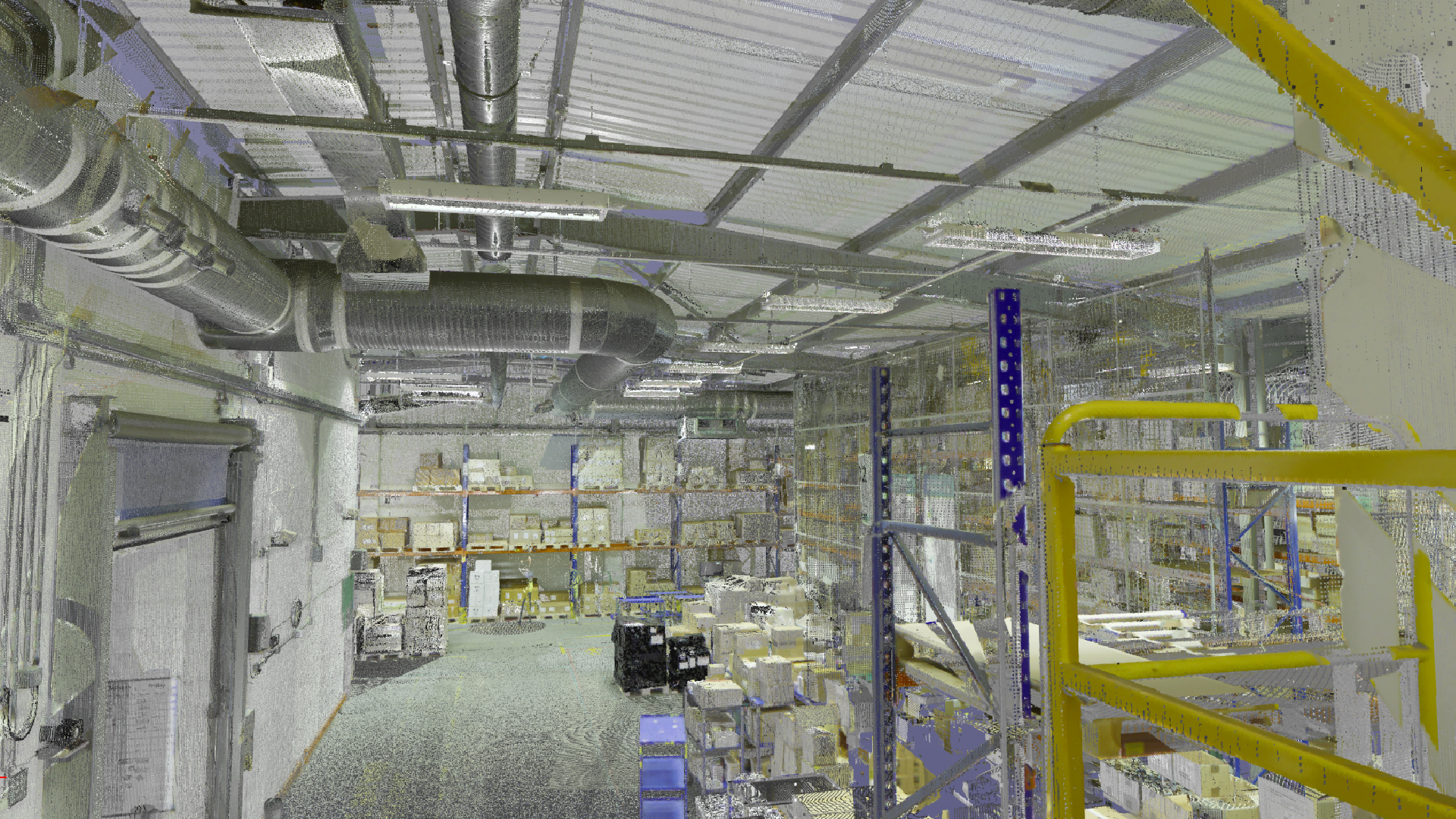
Commissioning a Revit model can unlock significant value for your project, but only if it is done with clarity and purpose. Too often, clients simply request “a Revit model” without defining what they actually need. The result is misaligned expectations, unnecessary revisions, and wasted time.
At Scene3D, we have seen firsthand how a well-prepared brief leads to smoother workflows and better outcomes. This guide will walk you through exactly what information you should prepare before commissioning a Revit model, even if you have no prior BIM experience.
A Revit model is not a one size fits all deliverable. It can serve many different purposes, from visualisation to construction coordination. Without a clear brief, the model may not meet your actual needs.
For example, a model created for marketing visuals will differ significantly from one intended for clash detection or facility management. If these expectations are not defined upfront, you may end up paying for revisions or starting over.
Clarity at the beginning reduces redesign later. It also ensures that everyone involved, including designers, modelers, and stakeholders, is aligned from the start.

The first and most important question to answer is what the Revit model will be used for.
Your intended use determines how the model is built, what level of detail is required, and how information is structured. Common use cases include:
If you are unsure which category your project falls into, that is completely normal. What matters is communicating your goals as clearly as possible. Even a simple explanation like “we need this for client presentations” or “this will be used on site during construction” makes a big difference.
Not all Revit models are created equal. Some are highly detailed, while others are intentionally simplified. This is often referred to as the Level of Detail, or LOD.
Here is a simple way to think about it:
Requesting a highly detailed model when you only need basic visuals can unnecessarily increase costs and timelines. On the other hand, a model that is too simple may not support your project goals.
Being clear about how much detail you need helps your modeling team deliver the right level of precision.
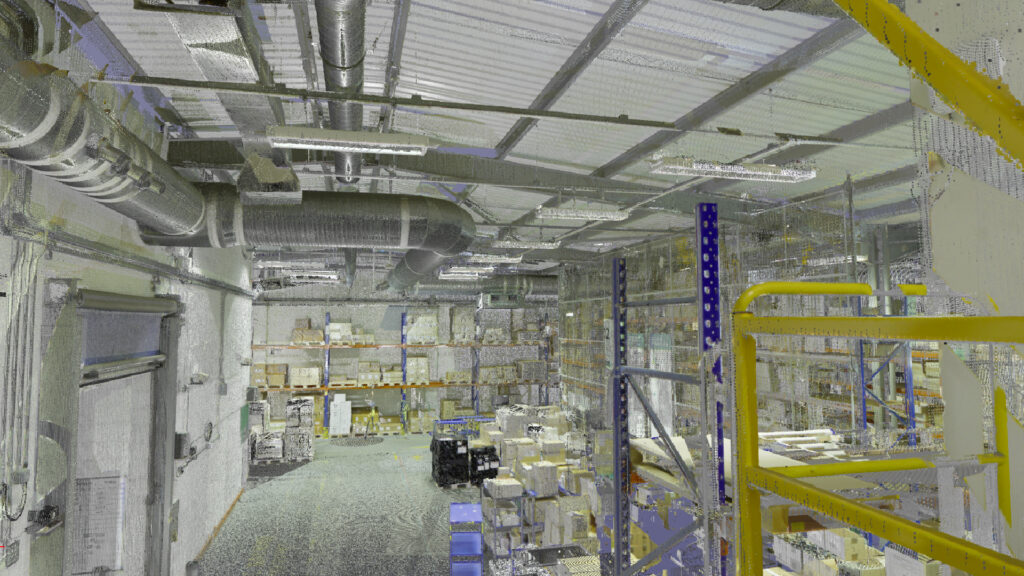
Another common source of confusion is scope. When you say you need a Revit model, what exactly should be included?
Consider the following:
Even small assumptions can lead to major misunderstandings. For example, a client may expect detailed interior modeling, while the modeling team assumes only external geometry is required.
Clearly defining the scope ensures that nothing critical is missed and nothing unnecessary is added.
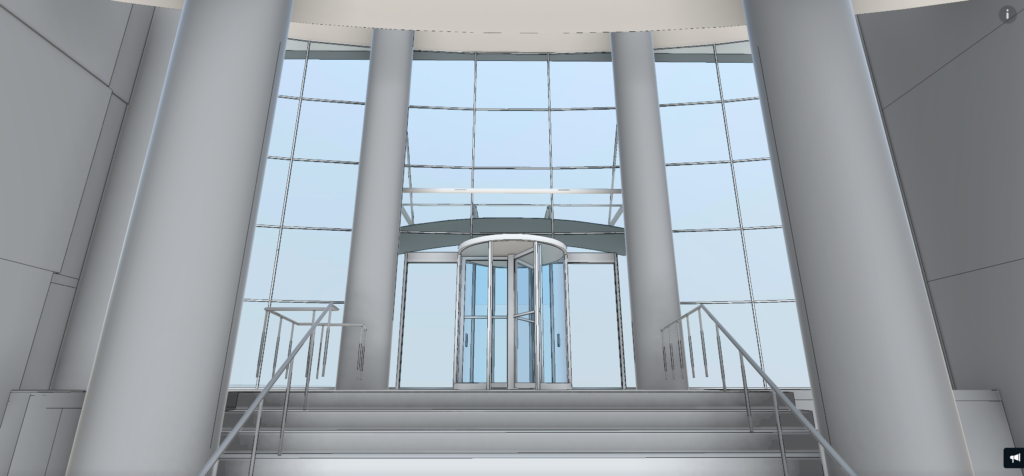
Time is a key factor in any modeling project. The level of detail, size of the project, and complexity all influence how long it will take to deliver.
If you have a fixed deadline, communicate it early. This allows your modeling partner to assess feasibility, allocate the right resources, and suggest adjustments if needed.
Rushed timelines without clear expectations often lead to compromised quality or incomplete deliverables. A realistic schedule allows for proper planning, quality checks, and smoother collaboration.
One of the biggest barriers clients face is the assumption that they need to fully understand BIM before commissioning a Revit model. That is not the case.
Your role is to explain your goals, not to define technical workflows. A good modeling partner will guide you through the process, ask the right questions, and translate your needs into a structured model.
Instead of focusing on technical terminology, focus on what you want to achieve, how the model will be used, and any constraints or priorities you have.
When expectations are unclear, revisions become inevitable. This can lead to additional costs, project delays, and frustration on both sides.
By providing clear information upfront, you reduce the risk of rework. This not only saves time but also ensures a smoother and more collaborative process.
At Scene3D, we approach every project with a simple principle. The better the brief, the better the outcome.
To make things practical, here is a simple checklist you can use before commissioning your Revit model:
You do not need to have perfect answers, but having a clear direction on these points will set your project up for success.
At Scene3D, we specialise in turning your ideas into accurate, purpose-driven Revit models. Whether you are working on design, visualisation, or construction, we help you define exactly what you need before any modeling begins.
We do not just create models. We help you make informed decisions that save time, reduce revisions, and improve outcomes. Get in touch with our team today for a free quote.