
Address
Studio 03
SUM Studios
1 Hartley Street
Sheffield
S2 3AQ
[email protected]
0114 399 1023
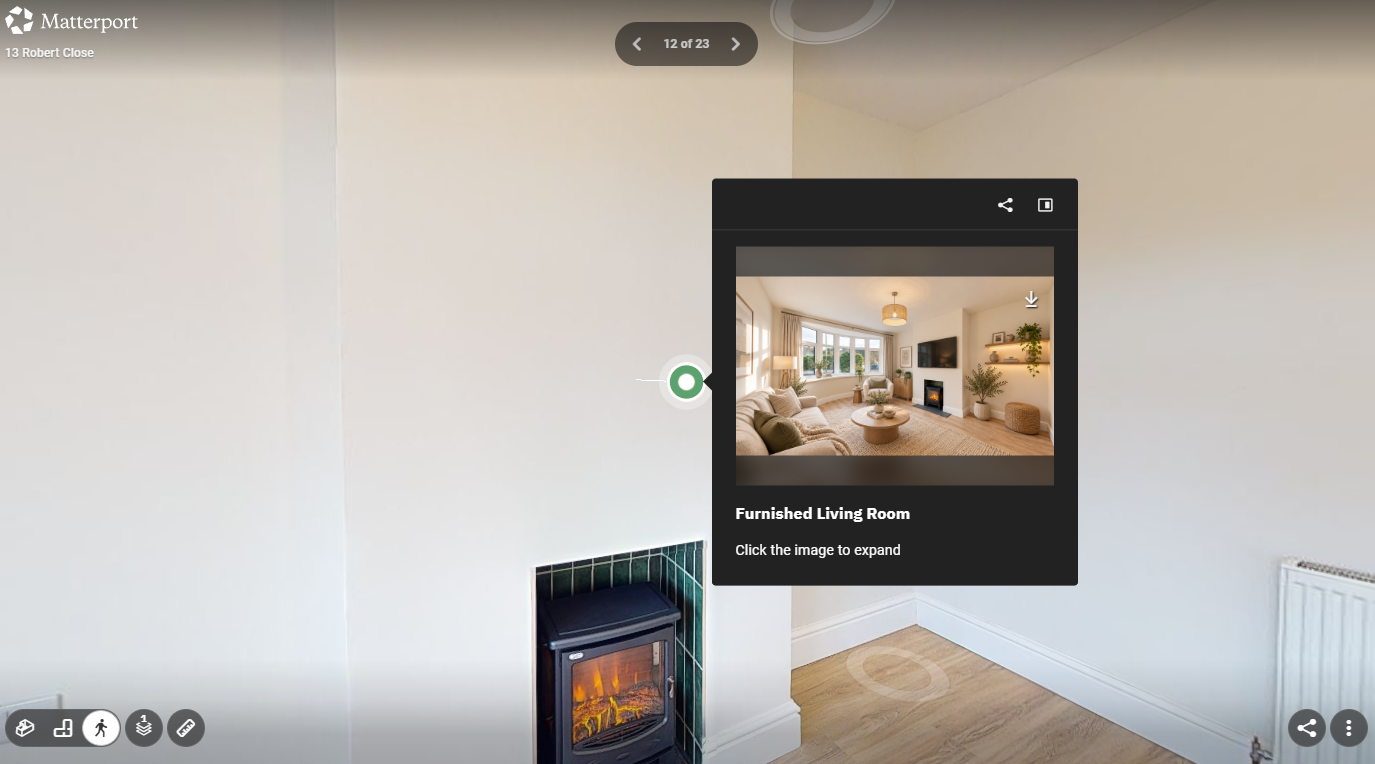
A Matterport virtual tour lets people explore a property or space online as if they were there in person. But what happens when something changes after the tour is created? Perhaps a room has been renovated, furniture has changed, a new area needs to be included, or some information within the tour is no longer accurate.
The good news is that you can update a Matterport tour in several ways. However, what you can change depends on the type of update required. You can make some changes to the existing tour without visiting the property again, but physical changes to the space will usually require a new scan.
Not every change requires a completely new Matterport scan. You can edit many digital elements added to a Matterport tour after it’s published, making it easier to keep the information about your virtual space accurate and useful.
Depending on how the tour has been set up, updates may include:
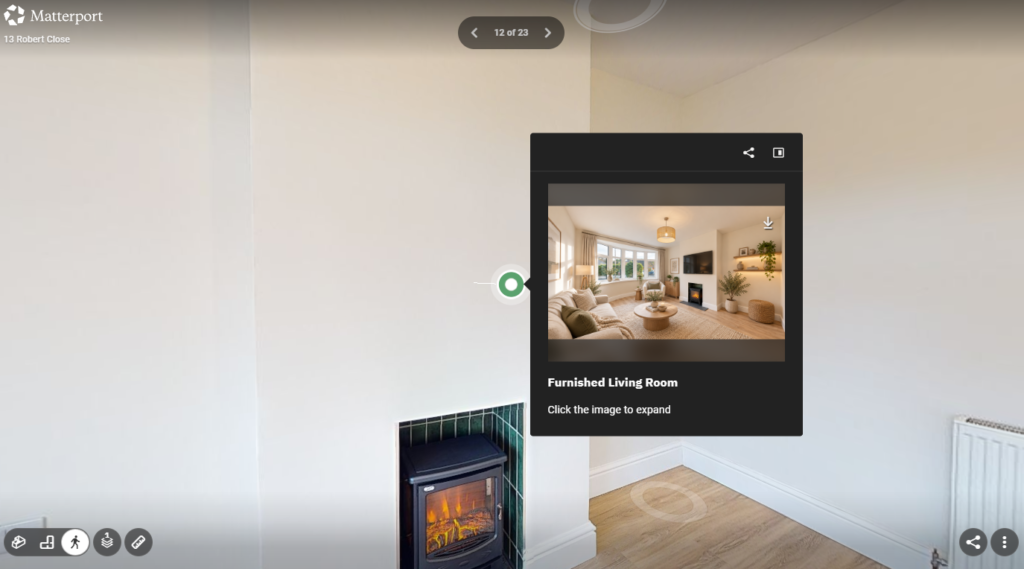
These changes are especially useful when the physical space has stayed the same, but the information you want visitors to see has changed. For example, a business could update a Mattertag to link to a new webpage, provide new information about a particular area, or remove content that is no longer relevant.
If the property or space itself has changed, the process is different. A Matterport tour is created from scans of the physical environment at a specific point in time, so you can’t simply edit significant physical changes into the existing 3D model.
Rescanning may be necessary if you have renovated or refurbished a room, significantly changed the layout, added or removed walls, installed new fixtures or displays, added a new area, or made substantial changes to the interior design. New scans allow the virtual tour to accurately represent the space as it looks today.
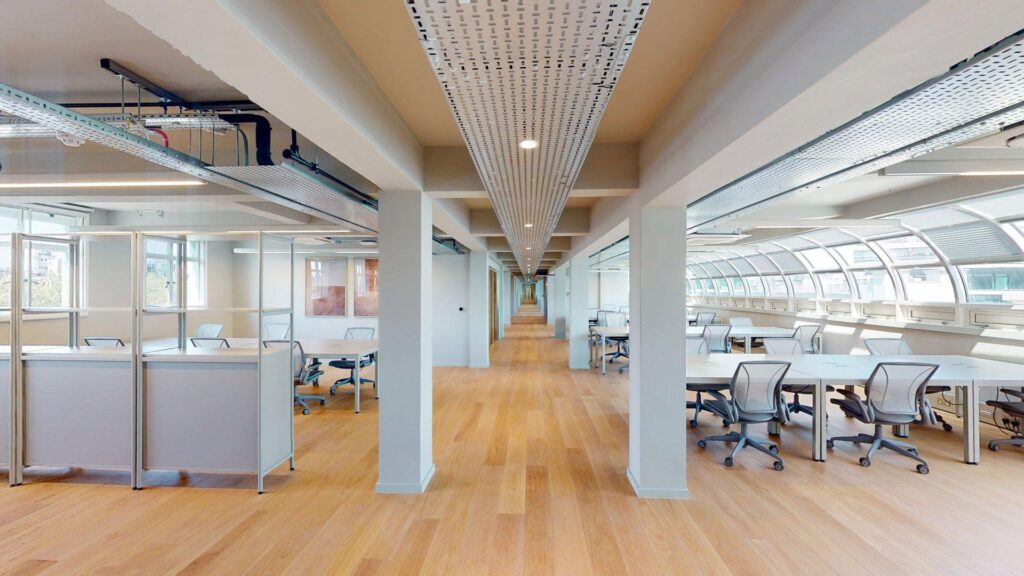
Not necessarily. Whether you need to rescan the whole property depends on how extensive the changes are and how the original Matterport tour was created.
If only a small section of the property has changed, it may be possible to scan the affected area and update the tour accordingly. If changes have taken place throughout the property, however, a full rescan may be more practical and can provide a more consistent experience for people exploring the space online.
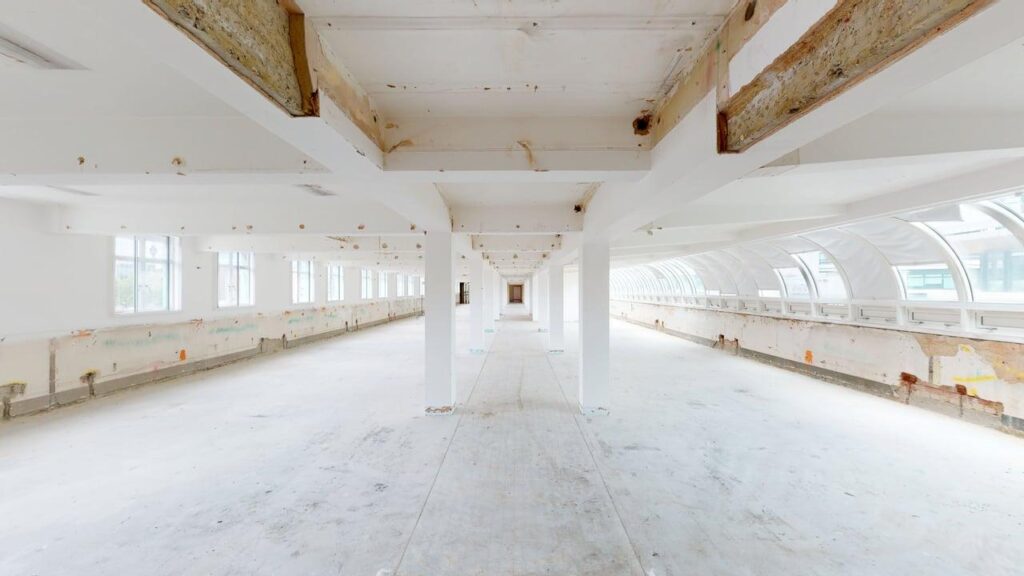
In some cases, you can add a new room or area, but the new space must be physically scanned. Matterport cannot create an accurate interactive room simply from photographs or a description of the area.
Whether a new area can be incorporated into an existing tour depends on the original scan and how the new space connects to areas that were previously captured. That is why it can help to have the existing tour assessed before deciding whether an update or a full rescan is the better option.
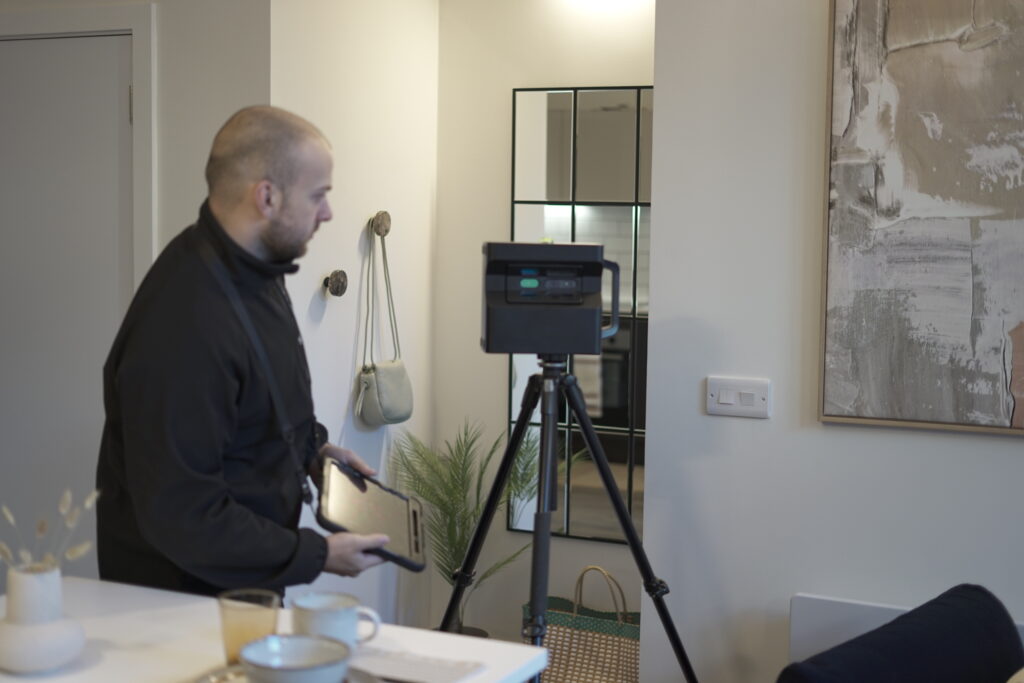
Furniture and other objects are captured as part of the original Matterport scan, so they cannot always be removed or replaced as easily as objects in a standard photograph. If a room has been completely redesigned, redecorated, or refurnished, rescanning the area is usually the most accurate way to show its new appearance.
This is especially important for commercial properties, hotels, venues, showrooms, retail spaces, and properties marketed online. Visitors should be able to trust that the virtual tour realistically represents the space they are considering visiting, booking, buying, or renting.
Mattertags are one of the easiest parts of a Matterport tour to keep updated. They can highlight features and provide additional information as visitors move through the virtual environment.
Depending on the tour, Mattertags can contain useful information and links to additional online content. This makes them particularly useful for businesses where information changes more frequently than the physical environment itself. Updating this content can help keep an existing tour relevant without requiring the entire property to be scanned again.
You don’t need to rescan a property just because a tour has been online for a certain amount of time. Instead, base the decision on how accurately the existing tour represents the current space.
A new scan may be worth considering after a major refurbishment, redesign, extension, office relocation, significant layout change, or substantial property upgrade. It may also make sense if an older tour no longer gives potential visitors an accurate impression of what the space looks like today.
People often view a virtual tour before they ever visit the physical location. Potential customers, tenants, buyers, guests, or business partners may use it to decide whether the space meets their needs, so an outdated tour can create the wrong expectations.
Keeping the tour accurate helps people understand what they can expect before visiting. For businesses and property professionals, it also ensures that the virtual tour continues to work as a useful marketing and communication tool rather than becoming an outdated representation of the property.
If your property has changed since your Matterport tour was created, Scene3D can help you choose the best way to update it. Whether you need to update existing tour content, rescan part of a property, add a new area, or create a completely new Matterport tour, our team can assess the space and recommend the right approach.
Scene3D creates professional 3D virtual tours that help businesses and property professionals present their spaces clearly and accurately online. Contact Scene3D today to discuss your existing Matterport tour and find out the best way to update your virtual space.