
Address
Studio 03
SUM Studios
1 Hartley Street
Sheffield
S2 3AQ
[email protected]
0114 399 1023
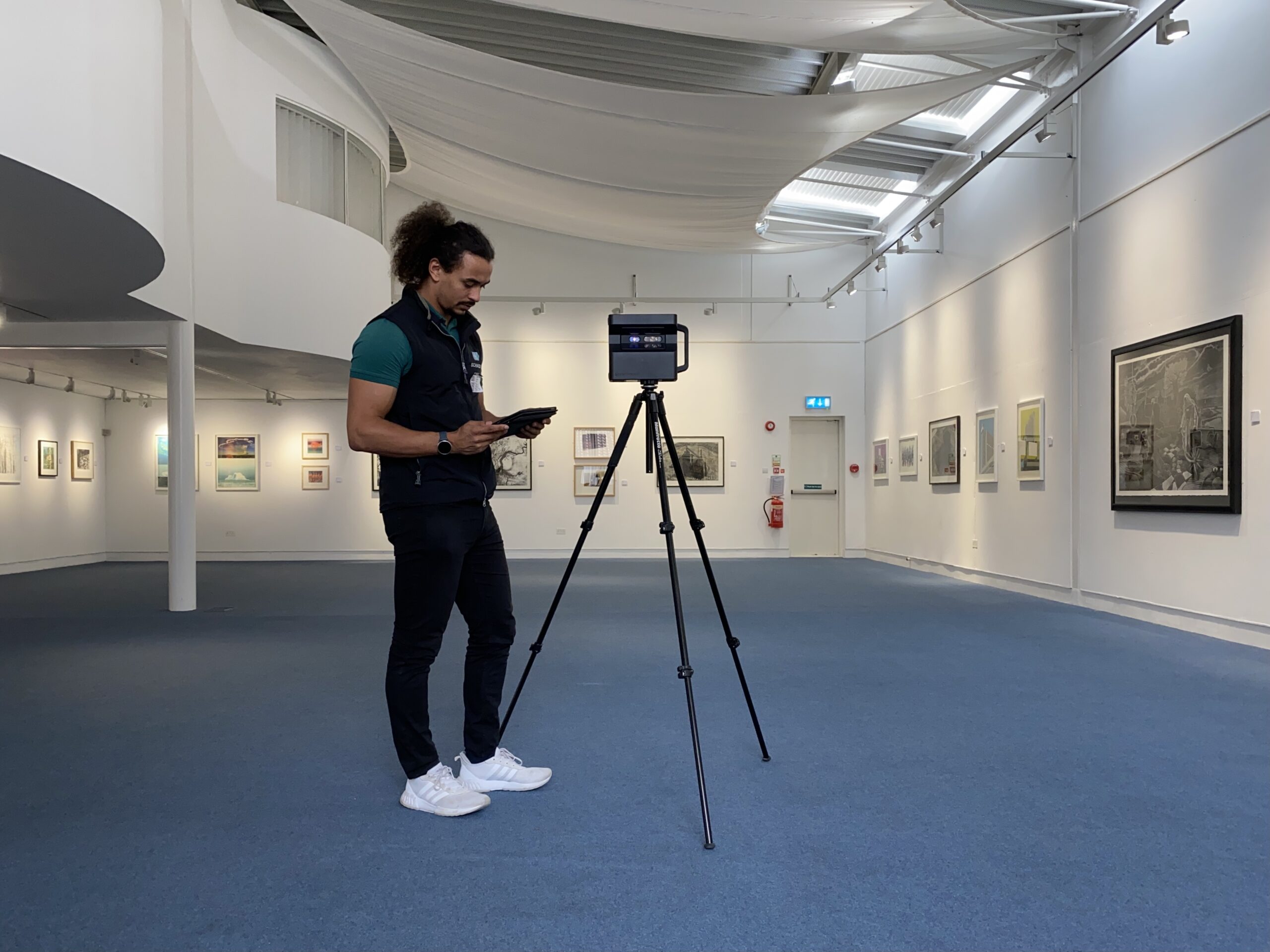
In any architectural project, accurate understanding of the existing structure is essential. Whether you’re dealing with a residential remodel, commercial renovation, or large-scale redevelopment, having reliable as-built documentation is the foundation for success. This is where Matterport 3D scanning has become a game-changer for architects.
Let’s explore how architects are using Matterport scans to verify as-built conditions and why it’s quickly becoming a standard in the industry.
“As-built” refers to the actual state of a building or structure as it exists today, not just how it was originally designed. Over time, buildings undergo modifications, repairs, and unrecorded changes. What exists on site can be very different from the original blueprints.
Verifying as-built conditions helps architects understand what they’re working with before creating new designs. It also reduces risk, avoids rework, and helps maintain compliance.
Architects traditionally relied on tape measures, handheld lasers, and site sketches to capture as-built data. This manual process is:
Even with handheld laser tools, site visits can miss critical measurements or overlook structural elements. These gaps can lead to costly revisions later.
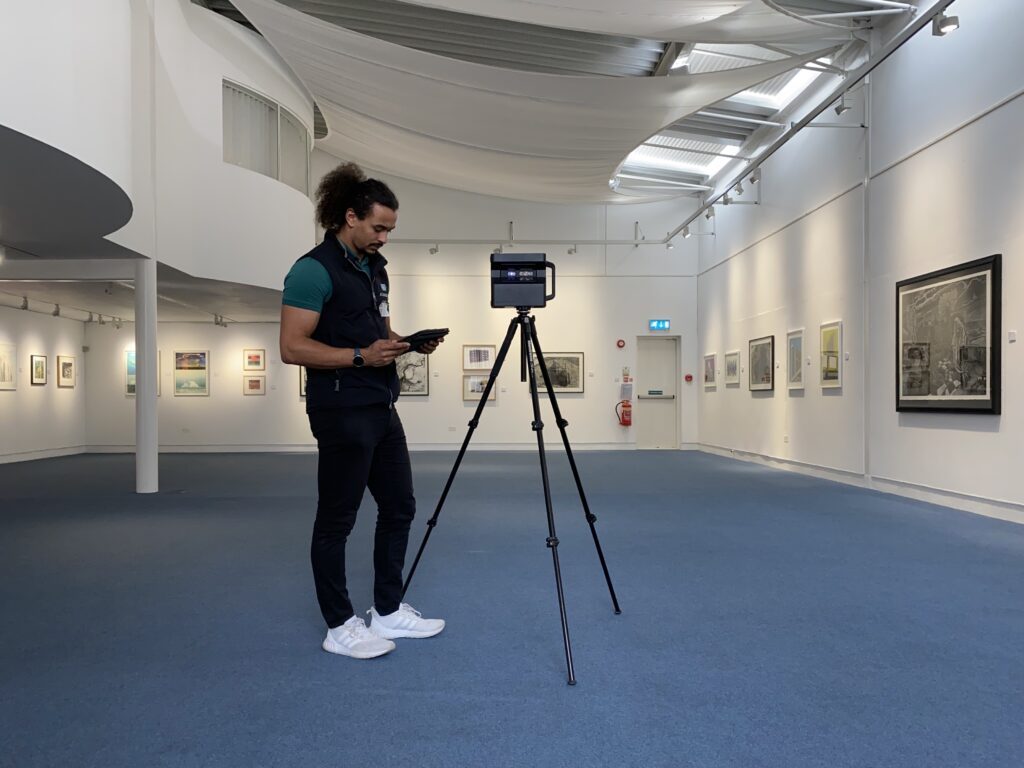
Matterport technology creates a fully immersive 3D digital twin of any physical space. Using a specialised camera and scanning system, it captures 360° images and spatial data, generating a photorealistic walkthrough of the environment.
For architects, this isn’t just a fancy visual tool. It’s a rich data source with practical applications:
Here’s how architects use Matterport scans during the verification process:
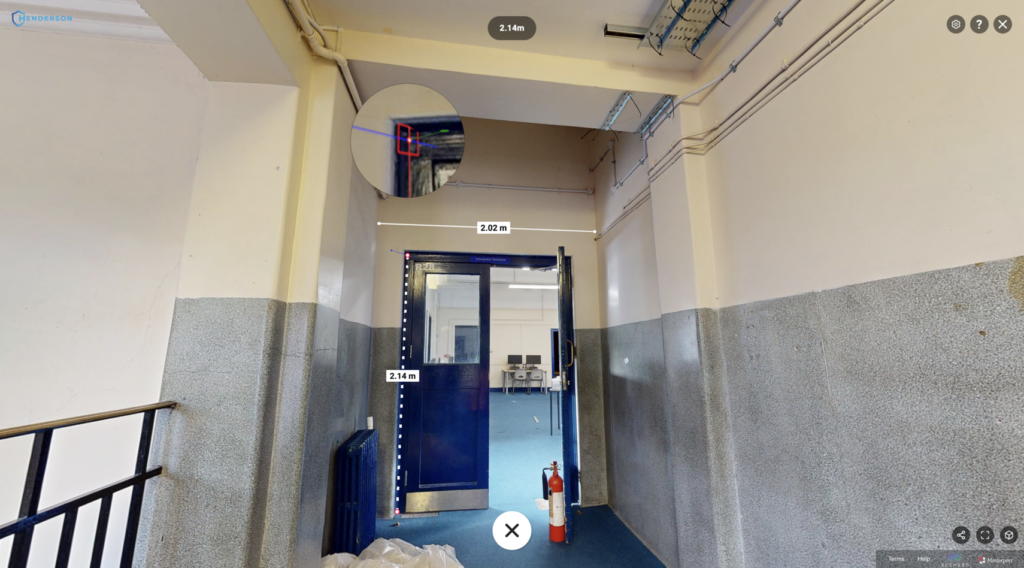
Once scanned, the model provides accurate measurable data. Architects can revisit the scan virtually and verify wall lengths, ceiling heights, window placements, and more, without needing to return to the site.
This is especially useful when working with clients, consultants, or contractors in different locations.
Designing around existing elements like beams, HVAC units, or pipework is much easier with a Matterport scan. By overlaying the point cloud data onto design software, architects can identify potential design conflicts early.
This helps avoid costly redesigns and project delays.
Unlike hand-drawn sketches or flat photos, Matterport offers an immersive walk-through of the entire space. This helps design teams get a “feel” for the building and its limitations, enabling smarter design decisions.
It’s also an excellent tool for onboarding new project members or collaborating with external partners.
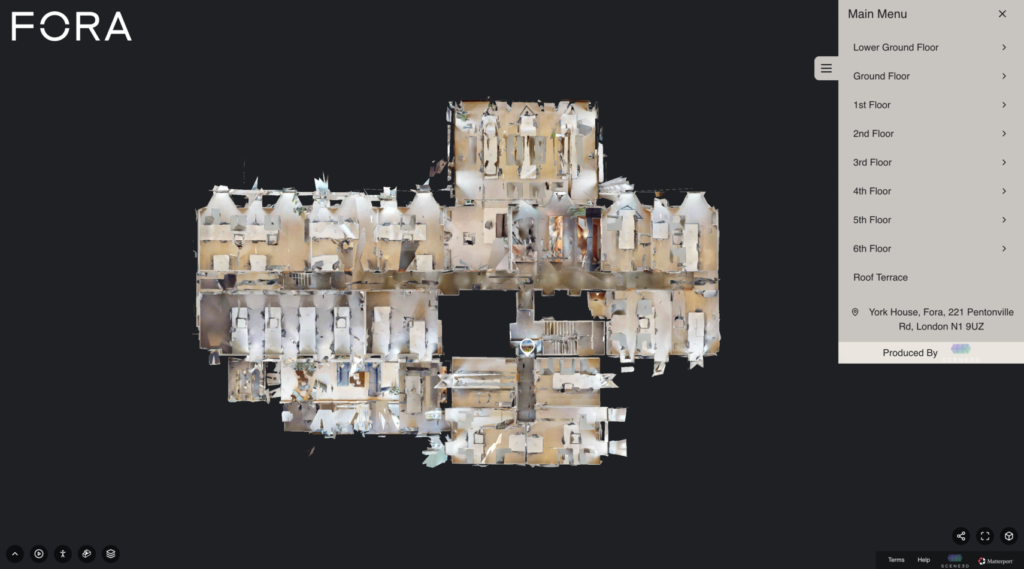
Matterport’s point cloud and mesh data can be imported directly into software like Autodesk Revit. This allows architects to create precise 3D models based on the real-world structure.
With BIM integration, updates to the existing space can be mapped and documented at each phase of the project lifecycle.
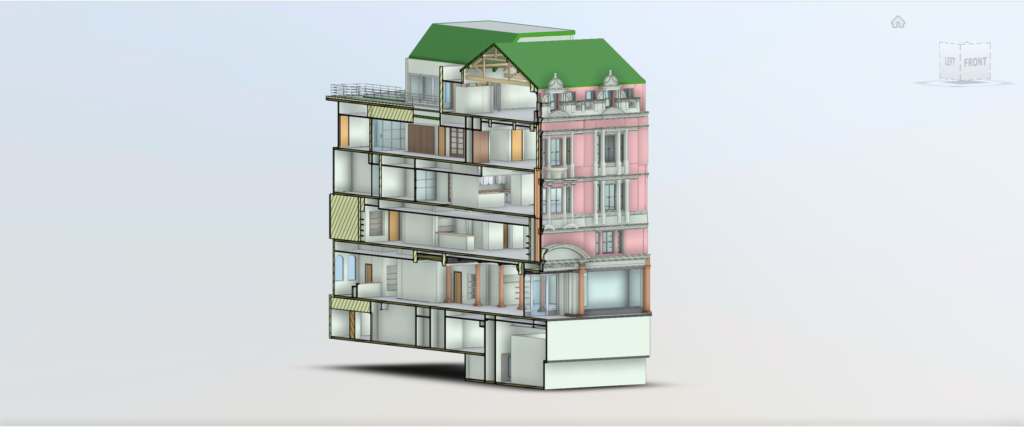
Architects can share a Matterport model with clients to help them visualise the current state of the property. This enhances transparency and builds trust, clients can clearly see what’s there, what’s staying, and what’s changing.
It’s also a great way to communicate design rationale and get quicker approvals.
Matterport scanning is especially helpful in:
Matterport scans provide a faster, more accurate, and more collaborative way for architects to verify as-built conditions. Instead of relying on outdated drawings or piecemeal site notes, architects can start each project with a detailed, shareable, and measurable digital twin of the space. At Scene3D, we help architects integrate Matterport into their design process, streamlining workflows, reducing risk, and improving project outcomes. Get in touch with us today and let’s discuss your project needs.