
Address
Studio 03
SUM Studios
1 Hartley Street
Sheffield
S2 3AQ
[email protected]
0114 399 1023
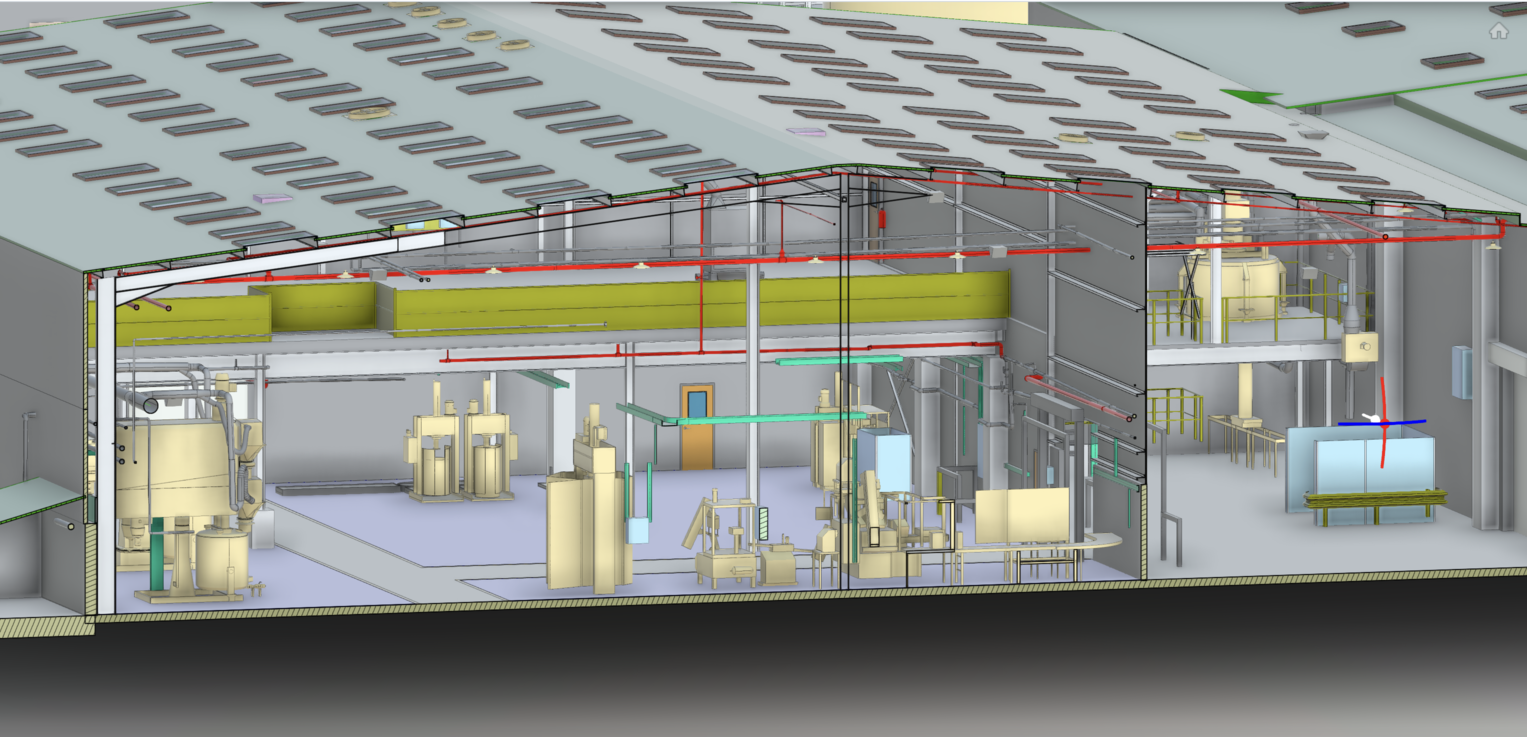
Choosing between a Revit model and traditional 2D drawings often comes down to one key question: what level of information do you actually need to do the job well?
For some projects, a simple 2D output is more than enough. For others, investing in a complete Revit model can save time, reduce risk, and unlock long-term value.
This guide helps PMs and FMs understand when a cheaper 2D solution makes sense and when a Revit model delivers a strong return on investment.
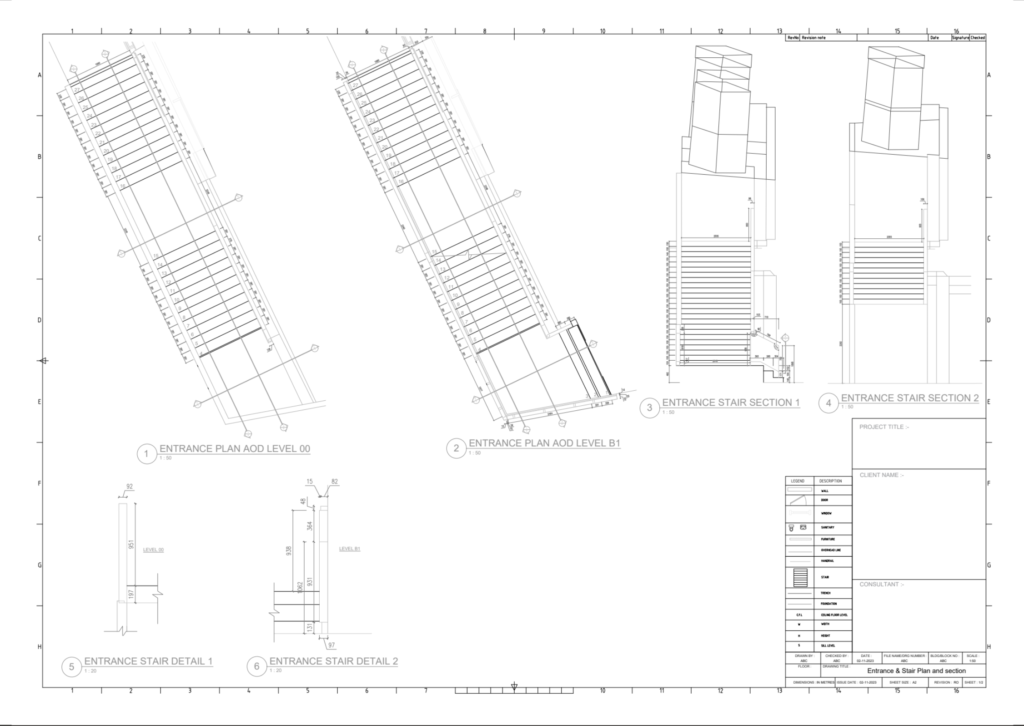
2D drawings show the building as flat plans, sections, and elevations.
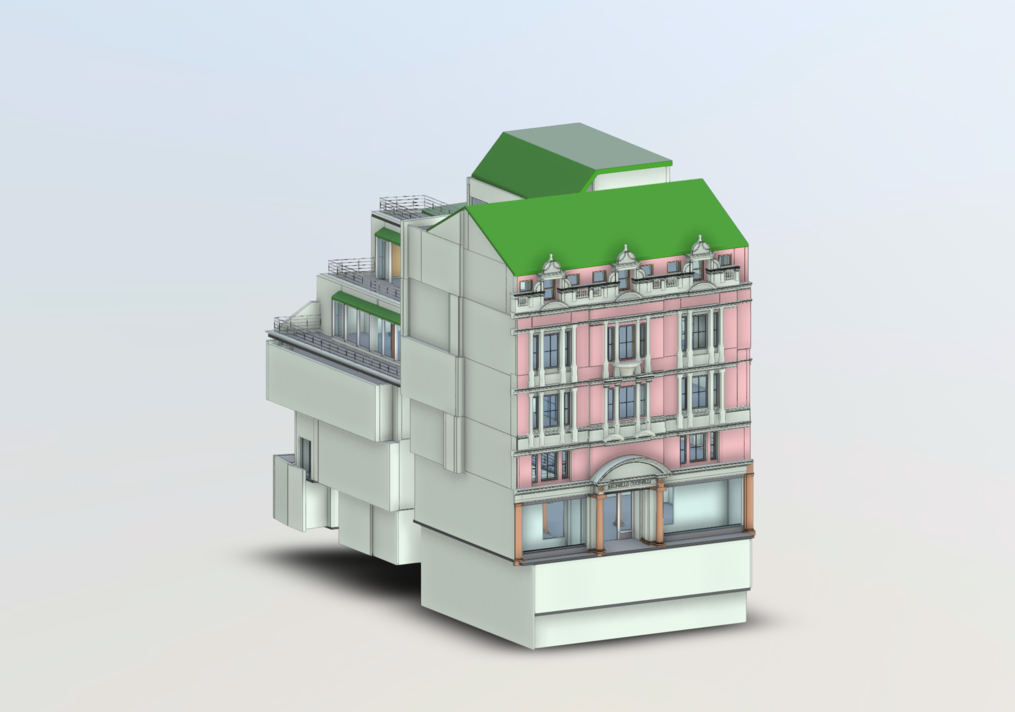
Revit models create a complete 3D digital version of the space with measurable geometry and embedded data.
Both are useful. The key is choosing the option that matches your project goals.
2D outputs are often the most intelligent choice when the scope is limited and speed matters.
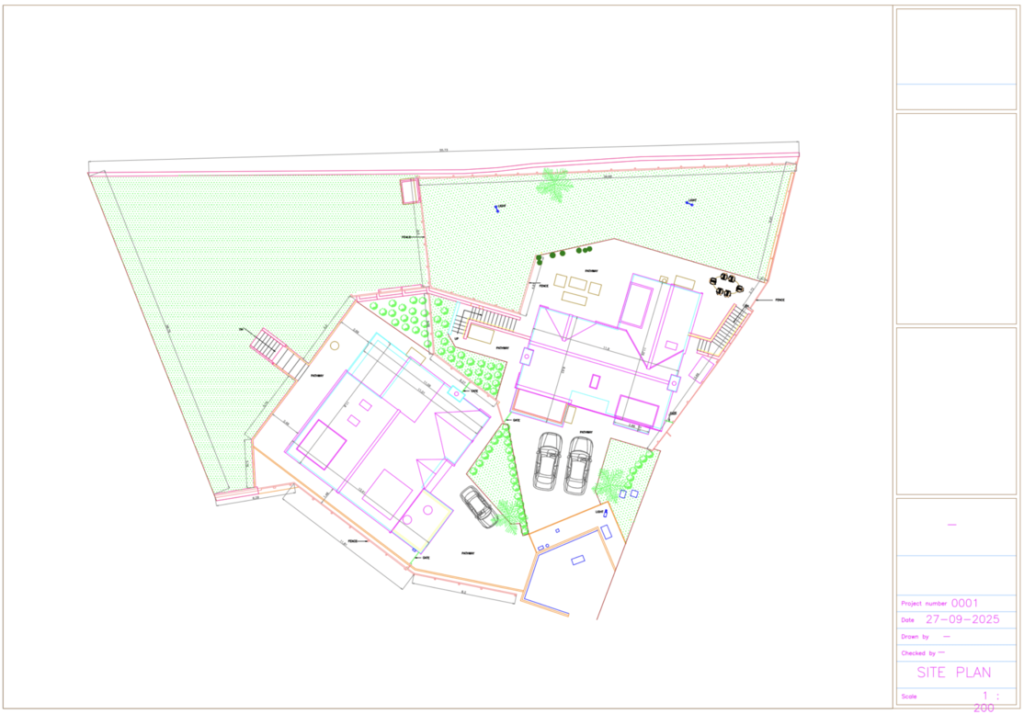
If you’re managing a minor refurbishment, layout change, or simple fit-out, 2D drawings usually provide all the clarity needed. Walls, doors, key dimensions, and basic services routes can be shown clearly without unnecessary complexity.
When cost control is critical, and the information won’t be reused later, 2D drawings keep upfront costs low. They are quicker to produce and cheaper to commission.
If drawings are required purely for a single purpose, such as planning approval, tender pricing, or contractor reference, a Revit model may not add enough value to justify the extra cost.
Projects with limited services interaction and low clash risk gain little from full 3D coordination. In these cases, 2D remains efficient and practical.
Bottom line:
If you need clarity without complexity, 2D is often the right choice.
As projects become more complex, the limitations of 2D become more obvious.
This is where Revit becomes more valuable.
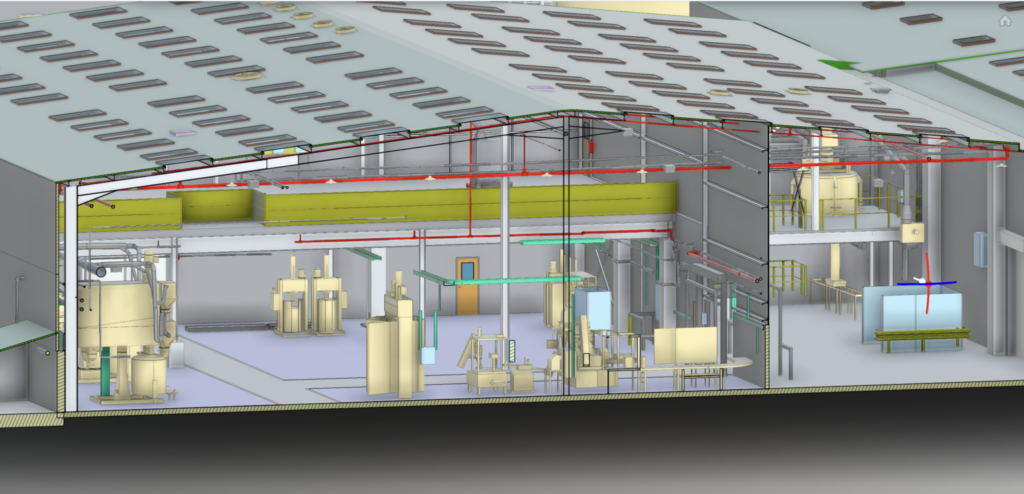
A Revit model is more than a visual upgrade. It is a data-rich digital asset that supports better decisions throughout the project lifecycle.
When working in occupied or constrained buildings, accuracy matters. Revit models help teams understand ceiling voids, structure, and service routes before work starts, reducing unexpected issues on site.
Projects involving MEP, structure, and multiple trades benefit significantly from a shared 3D model. Clash detection alone can prevent costly delays and rework.
For facilities managers, Revit delivers ongoing value. Models can support asset tagging, maintenance planning, space management, and future refurbishments, turning them into long-term references rather than static drawings.
When a project moves through design, construction, handover, and operation, a Revit model maintains continuity. Everyone works from the same source of truth.
If changes, extensions, or repeated use of the building data are likely, the upfront cost of Revit is often recovered many times over.
Bottom line:
If accuracy, coordination, and long-term usability matter, Revit is an investment rather than an expense.
It’s easy to compare Revit and 2D based purely on cost. A better approach is to compare today’s cost with tomorrow’s savings.
2D drawings are cheaper upfront but offer limited reuse.
Revit models cost more initially but reduce risk, errors, and the need for repeat surveys.
For PMs, this often means smoother delivery and fewer variations.
For FMs, it means better control, better data, and fewer unknowns over time.
Ask yourself:
If most answers point to simplicity, 2D is likely sufficient. If accuracy, reuse, and coordination are priorities, Revit is worth it.
There is no universal answer. The right choice depends on project scope, risk level, and future needs.Strong project teams do not automatically choose the most advanced option. They choose the one that delivers the correct value at the right time. Avoid paying for more detail than you need, or risking issues by under-specifying. Get expert advice on the proper output for your project from the start.