
Address
Studio 03
SUM Studios
1 Hartley Street
Sheffield
S2 3AQ
[email protected]
0114 399 1023
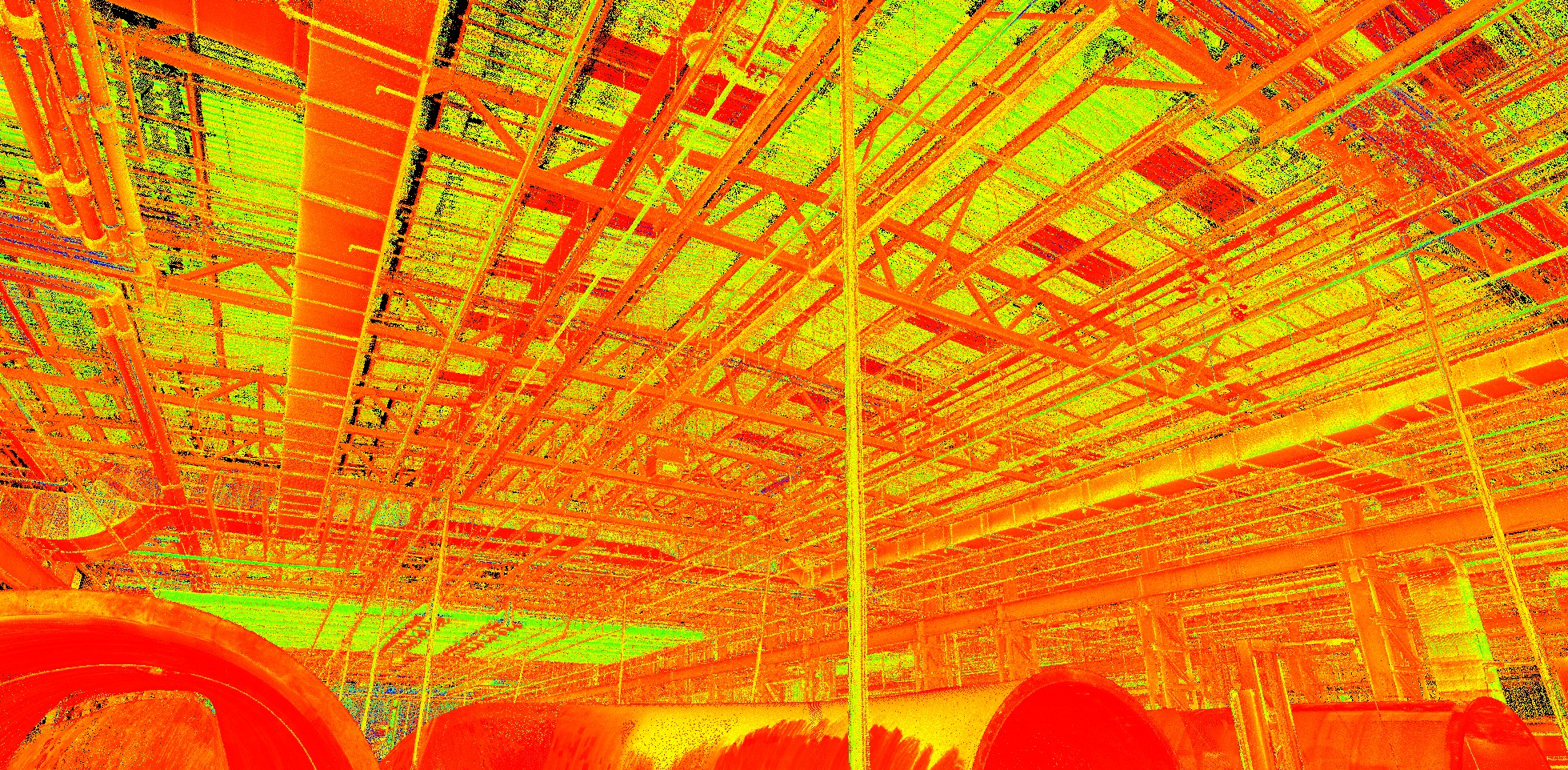
When commissioning a laser scan survey, one of the first questions is what deliverable you actually need.
Should you receive the raw point cloud data? Would 2D CAD drawings be enough? Or is a full Revit model worth the additional investment?
The answer depends entirely on what happens after the survey. Choosing the wrong output can lead to unnecessary costs, project delays, or missing information when it matters most.
In this guide, we’ll compare point cloud, CAD, and Revit, explain where each deliverable adds value, and help you determine which option best suits your project.
| Deliverable | Best For | Advantages | Limitations |
| Point Cloud | Survey verification, specialist design teams, future-proof data capture | Highest level of captured reality, complete dataset, reusable for future needs | Requires specialist software and expertise to use effectively |
| CAD Drawings | Planning applications, refurbishment projects, traditional design workflows | Widely accepted, easy to use, lower cost than BIM models | Limited intelligence, no embedded building data |
| Revit Model | BIM workflows, complex refurbishments, MEP coordination, asset management | Intelligent model with measurable objects and embedded information | Higher production cost and longer processing time |
For many projects, the right answer is not necessarily the most advanced deliverable. It is the one that provides the information your team actually needs.
A point cloud is the direct output from a laser scan survey. It consists of millions or even billions of measured points that accurately represent the existing building or site.
For some projects, the point cloud itself is all that is required.
This is often the case when:
One major advantage of point cloud survey deliverables is flexibility. The survey only needs to be completed once, while additional outputs can be created later as project requirements evolve.
However, point clouds are not always practical for everyday project use. Many architects, contractors and property teams lack the software or expertise needed to work directly with raw scan data.
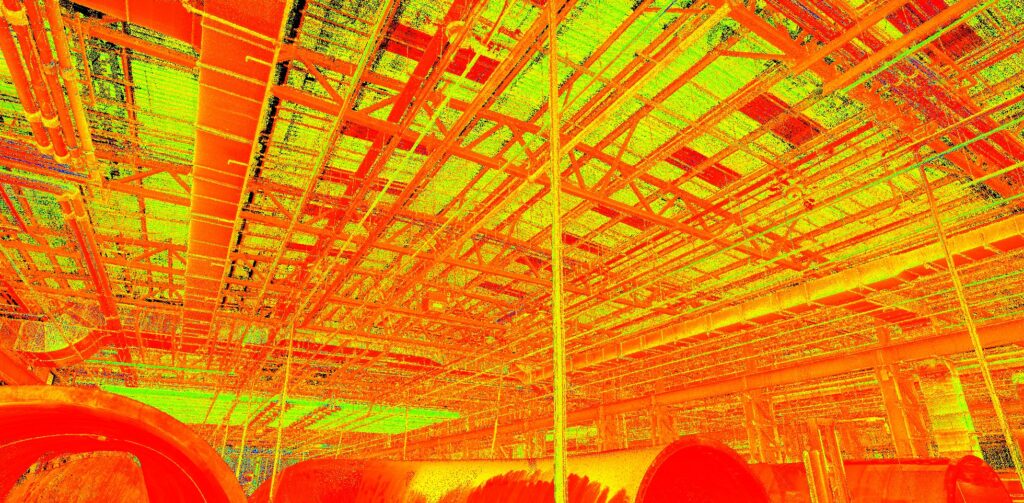
For many building projects, CAD drawings remain the most practical and cost-effective deliverable.
Scan to CAD converts the captured point cloud data into traditional 2D drawings such as:
CAD drawings work particularly well when teams need accurate geometry but do not require BIM-level information.
Typical use cases include:
Most planning submissions still rely on 2D drawing packages. Accurate Scan-to-CAD drawings provide a reliable foundation for planning consultants and architects.
When updating layouts, extending spaces or documenting existing conditions, CAD drawings often provide all the information required without the additional cost of a BIM model.
Many contractors and subcontractors continue to work primarily in CAD environments. Delivering drawings in familiar formats simplifies project coordination.
Compared with point cloud data, CAD drawings are easier to share, review and integrate into existing workflows.
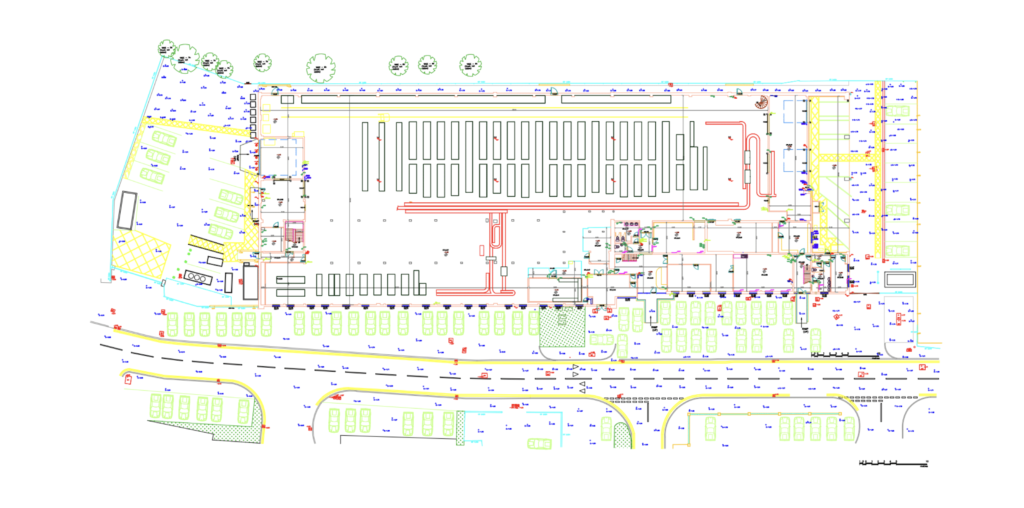
A Revit model offers significantly more than geometry.
Unlike CAD drawings, a Revit model contains intelligent objects that represent walls, floors, ceilings, doors, windows, services and equipment. These elements can be measured, analysed and coordinated throughout the project lifecycle.
This makes Scan to Revit particularly valuable when projects involve multiple stakeholders or complex design decisions.
If your design team is already working in a BIM environment, providing a Revit model eliminates the need to manually recreate existing conditions.
Mechanical, electrical and plumbing redesign projects often require detailed clash detection and coordination.
A Revit model allows engineers to accurately assess available space, identify conflicts and design around existing constraints.
The larger and more complex a building becomes, the more valuable model-based information tends to be.
For hospitals, universities, commercial buildings and industrial facilities, a Revit model can significantly reduce design risk.
Many building owners use BIM models long after construction is complete. Revit models can support maintenance planning, asset tracking and future refurbishment projects.
When comparing point cloud vs Revit model, the key distinction is usability. The point cloud captures reality, while the Revit model transforms it into a structured, intelligent design environment.
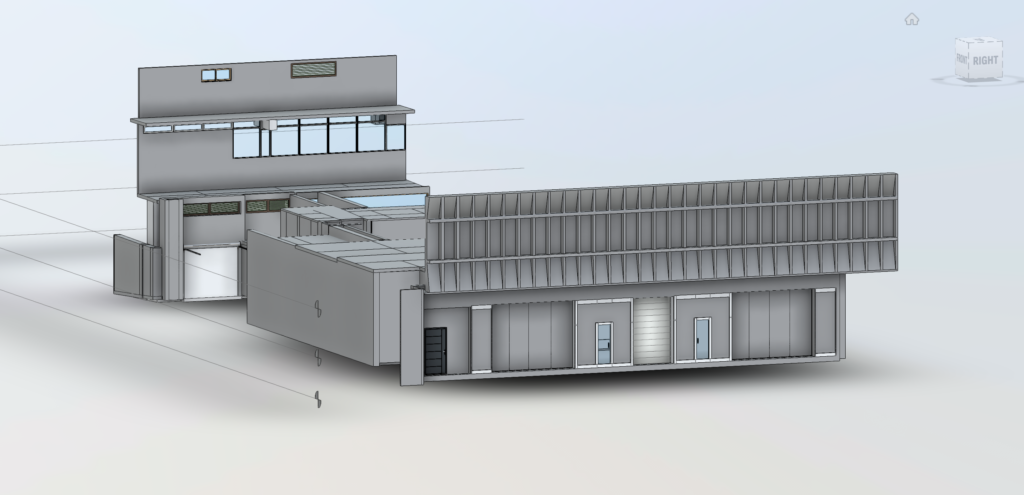
One of the most common mistakes is either under-specifying or over-specifying survey outputs.
Not every project requires a fully detailed BIM model.
If the project only needs planning drawings or simple refurbishment layouts, investing in a highly detailed Revit model may provide little additional value.
The opposite problem can be even more expensive.
A project that begins with simple CAD drawings may later require BIM coordination, service redesign or complex spatial analysis. If the original deliverable lacks sufficient information, additional modelling work may be needed.
Incorrect deliverable selection can create workflow bottlenecks when teams discover they lack the required data format for design development.
The goal is not to purchase the most sophisticated output available. It is to select the deliverable that best supports project decisions while minimising future risk.
Different project types typically benefit from different outputs.
Most refurbishment schemes are well served by:
A Revit model may be appropriate for larger or more complex refurbishments involving multiple disciplines.
MEP projects often benefit from:
This helps engineers accurately assess existing services and available installation space.
Planning teams usually require:
In many cases, a full Revit model offers limited additional value during the planning stage.
Fit-out projects vary considerably.
Smaller office fit-outs may only require CAD drawings, while large corporate environments often benefit from Revit-based coordination between architecture, MEP and furniture planning teams.
Before requesting a quote, ask these questions:
If the answer centres around verification and future flexibility, a point cloud may be sufficient.
If the goal is to produce plans, elevations, and sections, CAD drawings are often the most efficient solution.
If the project depends on BIM workflows, coordination or long-term building information, a Revit model is usually the better investment.
Every project is different, and the right choice depends on how the survey information will be used after capture.
At Scene3D, we help architects, project managers, engineers and BIM teams determine whether point cloud data, CAD drawings or a Revit model will deliver the best value before any quoting takes place.
Tell us what you’re trying to achieve with the survey, and we’ll recommend the most appropriate deliverable based on your project requirements, budget and workflow.